Insights from photos, PDFs, files, and voice notes
Scan photos, documents, and PDFs. Extract printed or handwritten text with OCR and pull key data from receipts, notes, or slides.
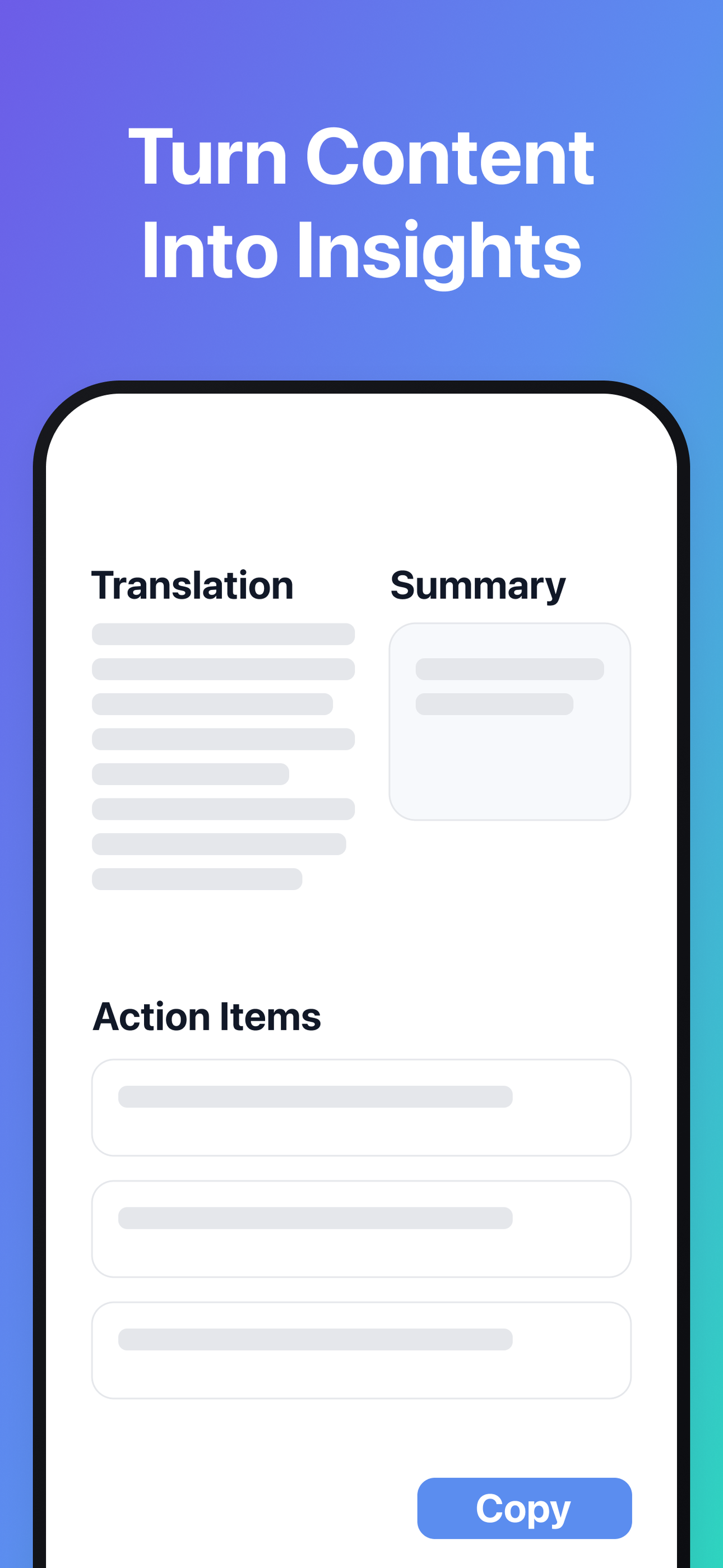
Turn meetings into notes with voice transcription. Import PDFs and Office files, then get clear summaries, outlines, tables of contents, action items, and rewritten versions for clarity.
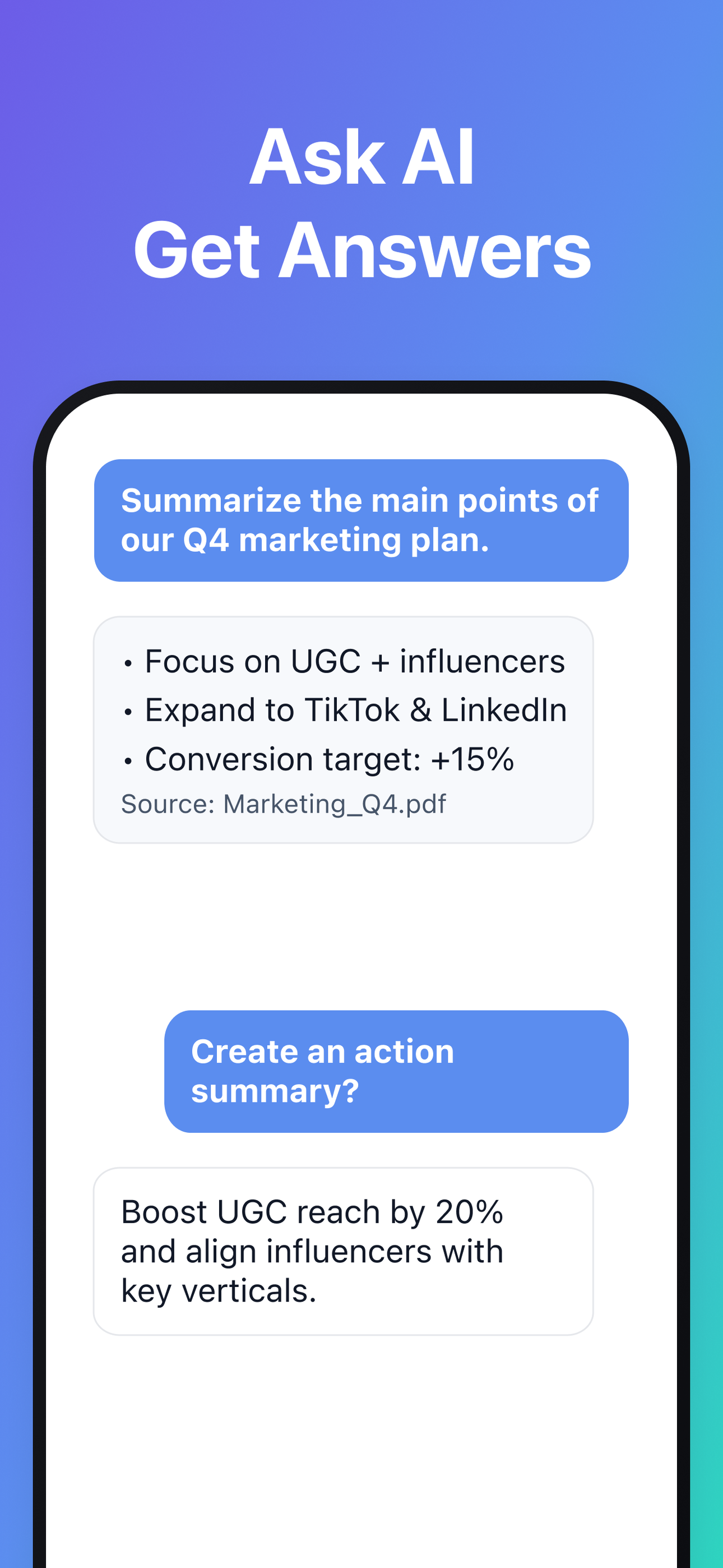
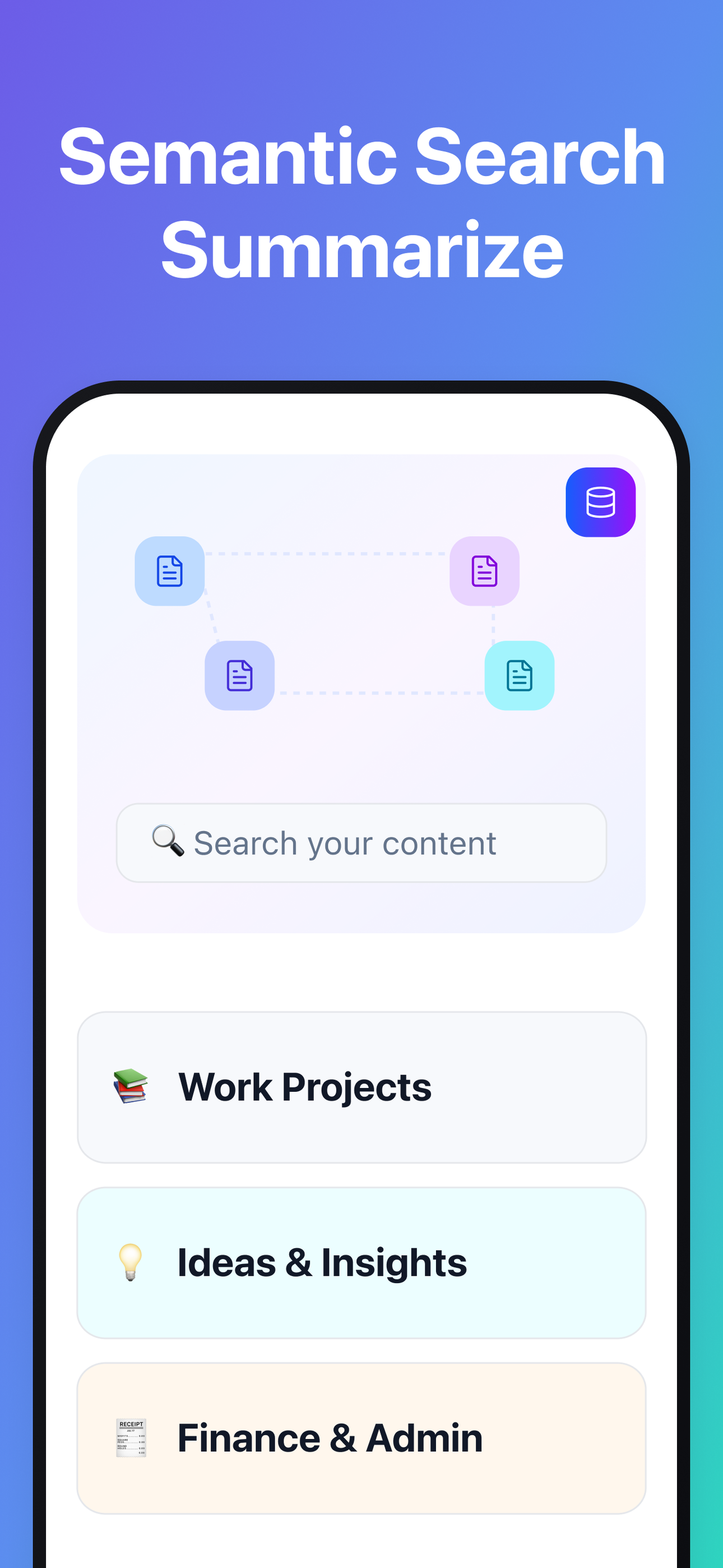
Ask questions across your personal knowledge base. Export results to PDF/DOCX/TXT, or extract tables to CSV/XLSX.
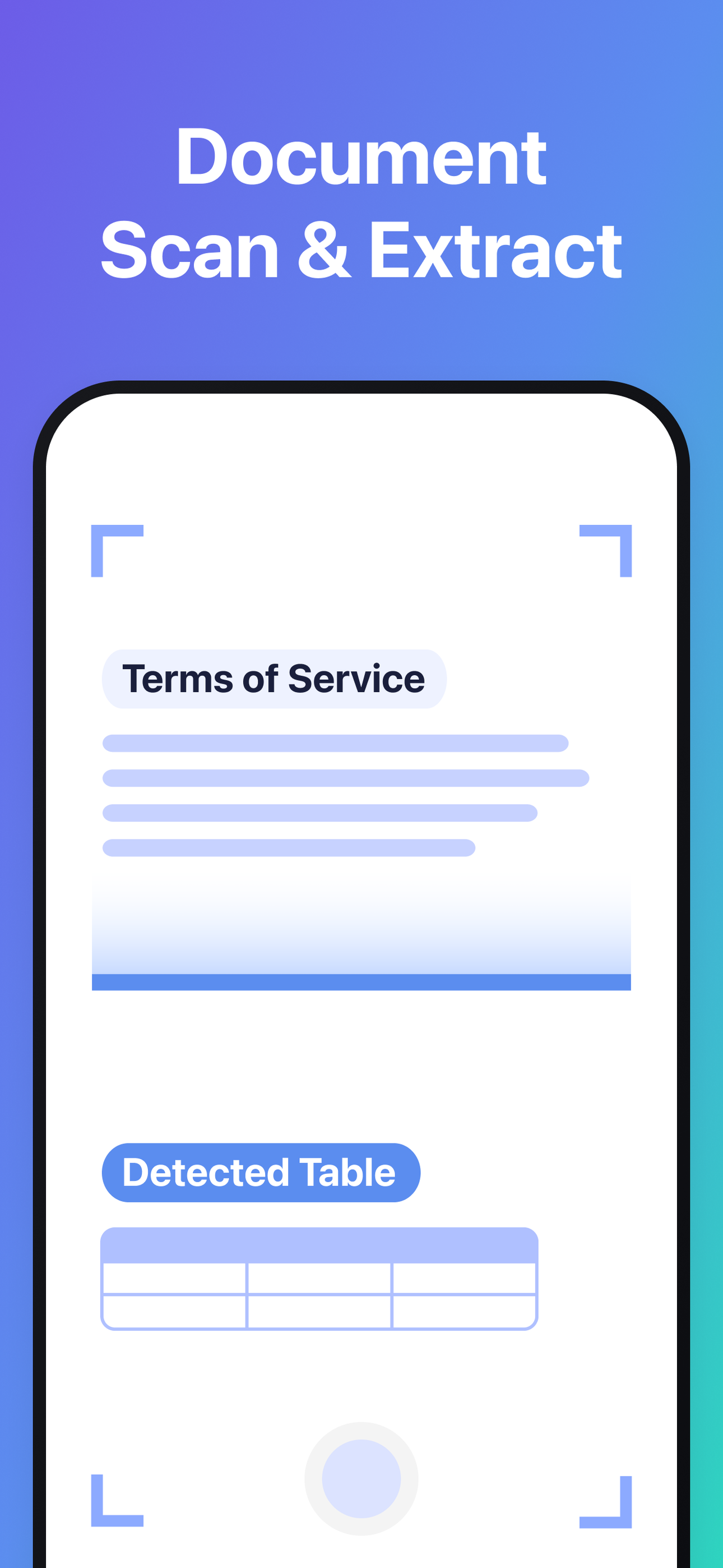
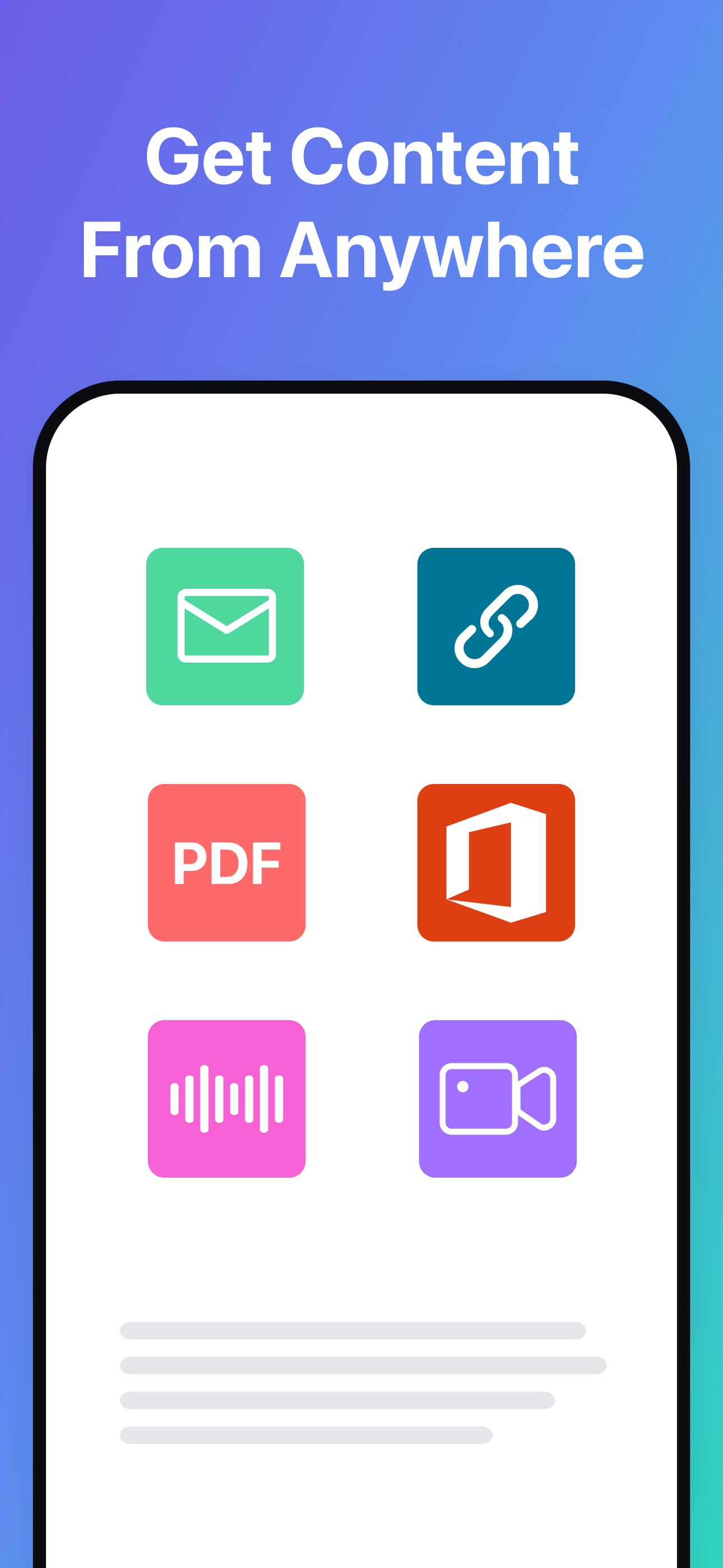
Snap a photo of a document, slide, note or receipt. We extract text instantly — even handwriting.
Translate to your language and get a short summary to grasp the gist in seconds.
Save what matters to your knowledge base and ask AI for instant answers.
Your data is sent securely over HTTPS during processing.
DoMore uses Google Cloud infrastructure for AI processing.
Delete items anytime and manage your account and data. See our Privacy Policy.
Extract text from photos, documents, and PDFs with OCR.
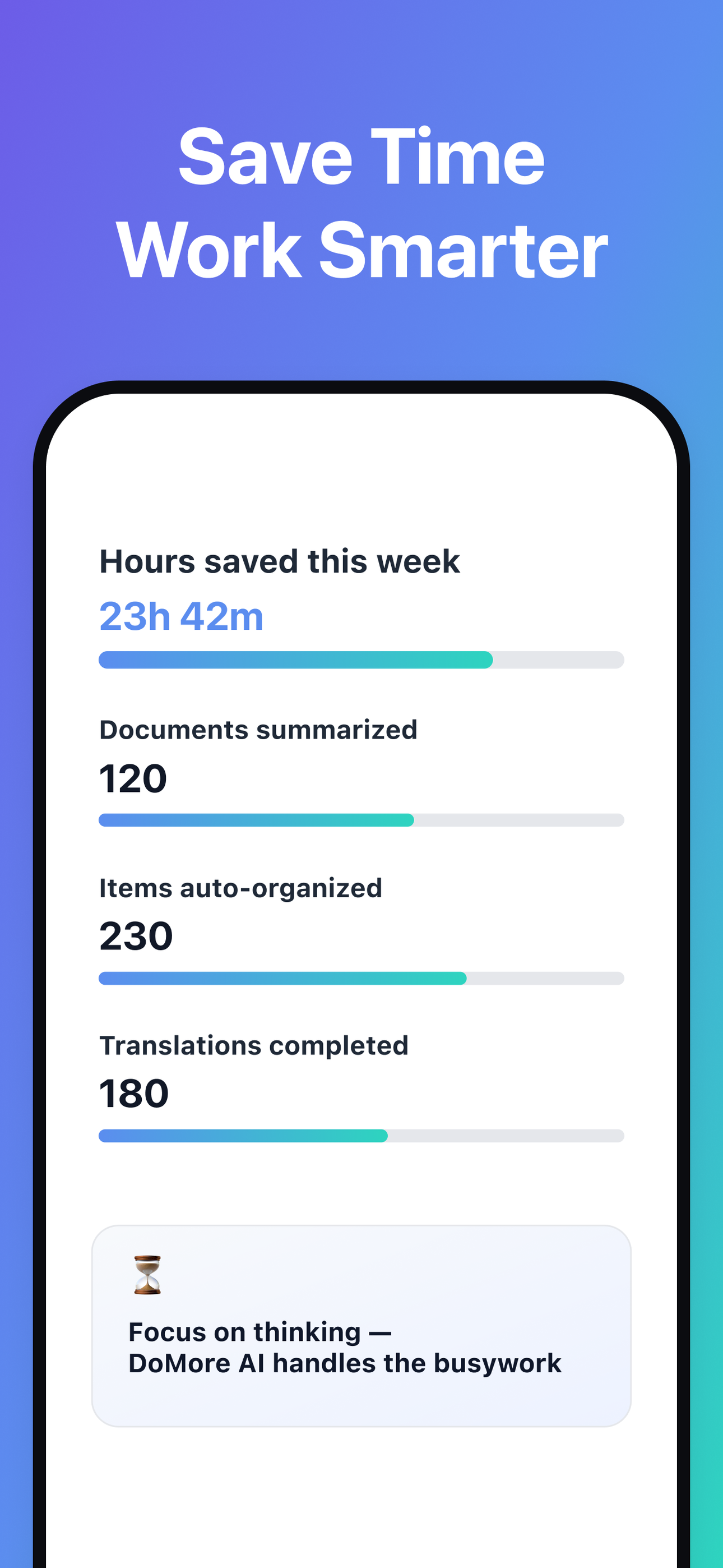
Translate and summarise long content in seconds.
Export to PDF/DOCX/TXT and tables to CSV/XLSX.
You can start in seconds. Some features may require authentication.
Processed items are organised in your knowledge base. You can delete them anytime.
AI features require an internet connection.
Download DoMore from your app store


 DoMore